


Instant Voice Translate

Description
Instant Voice Translate APK is an Android translation app from Erudite for travelers, language learners, and people communicating across languages. It brings spoken, typed, and image-based translation into one app, with support for more than 70 languages. Whether you need to understand a menu or exchange a few sentences with someone, you can choose the input method that suits the situation.
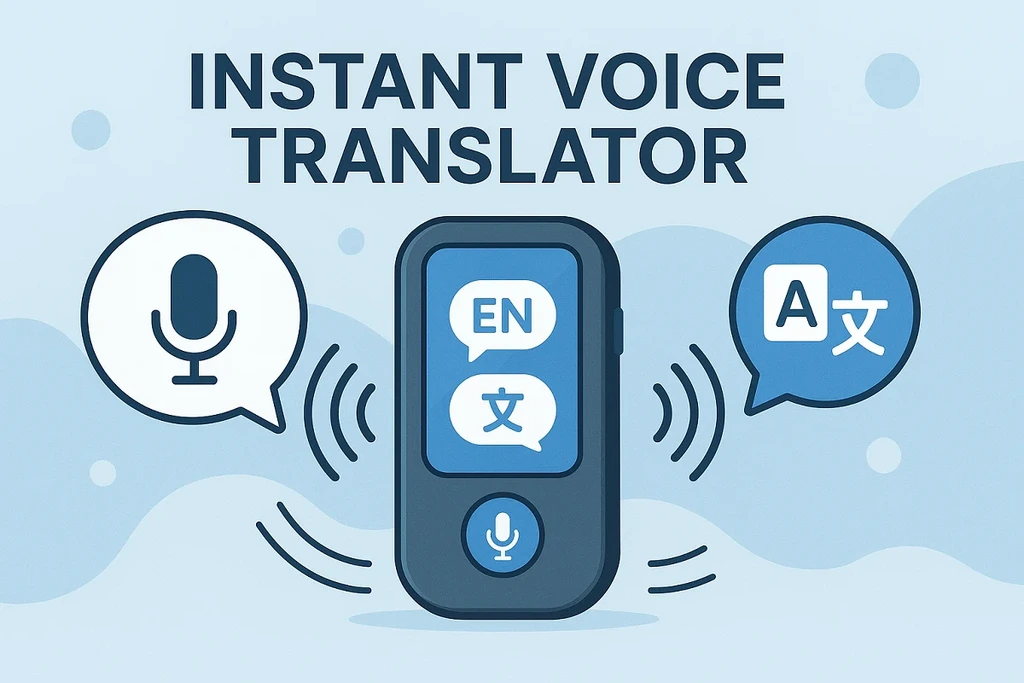
Speak naturally and follow bilingual conversations
Voice translation turns spoken input into translations in real time. It offers an alternative to typing when you want to ask a question or respond during a conversation.
The split-screen feature supports bilingual exchanges by giving both languages space on the screen. For listening practice, slow audio playback lets you hear translated sentences at a reduced pace. This can make it easier to follow unfamiliar sounds rather than trying to keep up with normal-speed speech.
Translate images, words, and phrases
Image translation accepts a photo you take or an image you upload. You can use it to work through written material such as signs, menus, and documents without manually entering the text.
Text translation handles individual words and phrases when you prefer to type. The language selection includes English, Arabic, Chinese, French, German, Hindi, Italian, Japanese, Korean, Portuguese, Russian, and Spanish, alongside other options. These input choices serve different needs: speech for conversation, images for printed material, and text for a specific word or phrase.
Offline support for translation away from a connection
The app includes offline translation, giving you a way to translate when an internet connection is unavailable. That is useful when traveling or asking for help somewhere without connectivity.
Before relying on it during a trip, try the translation tasks you expect to use without a connection. For important documents or decisions, review the meaning carefully rather than treating an automated translation as a substitute for qualified advice.
Check your Android installation before use
Instant Voice Translate APK is intended for Android. Before installing an APK, keep a backup of important device data and review the permissions requested during setup.
Consider whether each permission makes sense for the feature you plan to use, especially when working with spoken input or photos. After installation, test a short phrase and a sample image so you understand the app’s workflow before depending on it in a conversation.
Frequently Asked Questions
Can I translate without an internet connection?
Yes. The app includes offline translation. Test your intended translation tasks offline before relying on them while traveling.
Can it translate text in photos?
Yes. Image translation works with photos you take and images you upload, including written content such as signs and menus.
Can I slow down translated audio?
Yes. Slow audio playback lets you listen to translated sentences at a reduced speed.
Instant Voice Translate APK combines several translation methods for travel, conversation, and learning. This MOD edition includes unlocked Premium access.
What's new
- Added ChatGPT integration.
- Updated AI translation optimization.
- Improved translation accuracy.
MOD INFO
- Premium Unlocked
Images


Download links
How to install Instant Voice Translate?
- Download the Instant Voice Translate APK from the download section above.
- Open the downloaded APK file and allow installation from unknown sources if required.
- Follow the on-screen instructions to complete the installation.
- Open Instant Voice Translate and enjoy the app.
Most rated apps
Best Rated Apps






